Maths Warm-Up
Build confidence in addition, subtraction, multiplication and division.
Turn everyday moments into learning adventures. An interactive Excel workbook that helps children build maths confidence through shopping, saving and smart decisions.
Digital download · Microsoft Excel required · Checkout on Payhip
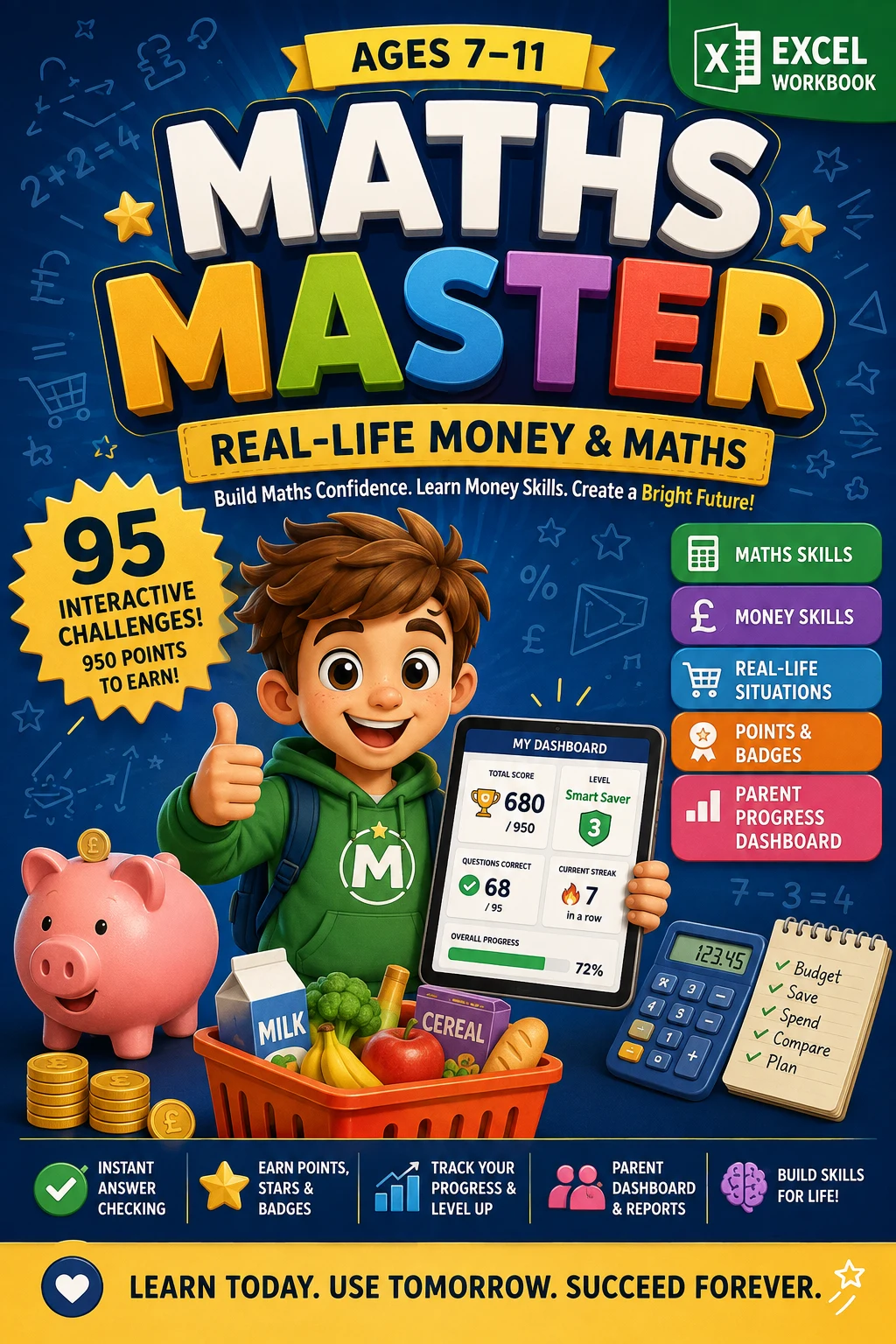 95Challenges7Modules950Points to earnParent Dashboard ↗
It’s in the change from a shopping trip. The weeks of saving for something special. The time until the next adventure. Children meet maths every day.
That’s where Maths Master comes in.
Start with a challenge. Finish with a little more confidence.
Choose a familiar, real-life situation.
Think it through and use a hint if needed.
Type into the yellow answer cell.
See if you are right, or have another go.
Get 10 points for each correct answer.
Explore the worksheets and dashboards included in Maths Master.
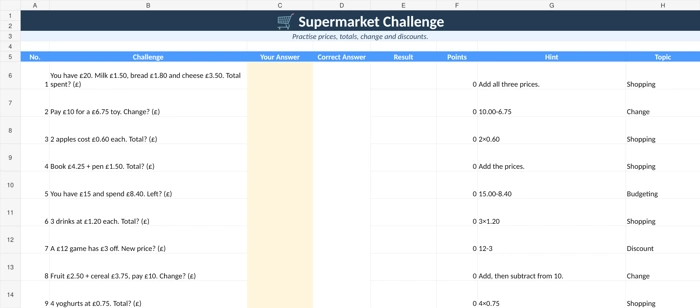
Real workbook screenshot from the supplied Maths Master materials.
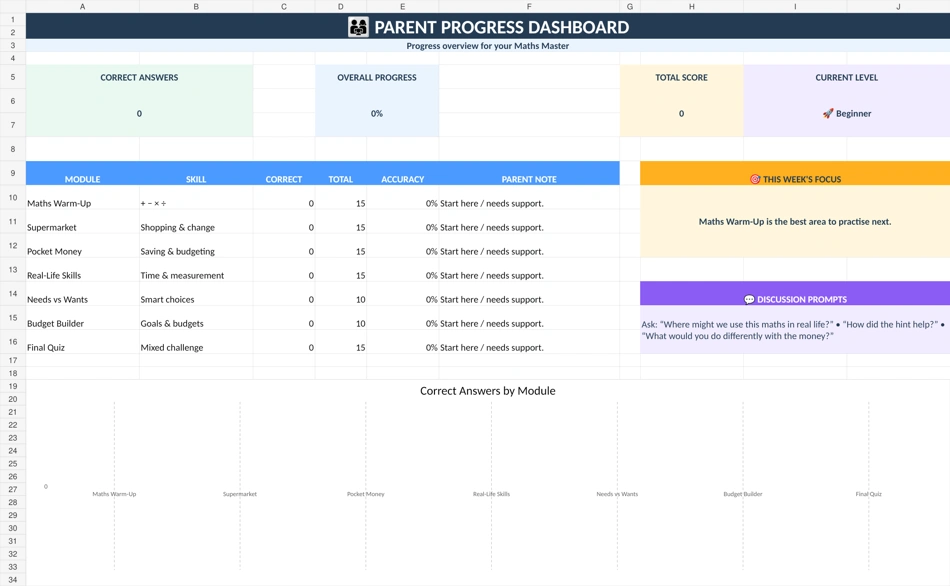
A clear view of what’s going well and what needs a little practice. The Parent Dashboard brings their learning together, so you can focus on encouraging the next step.
95 challenges, including a final quiz that brings everything together.
Build confidence in addition, subtraction, multiplication and division.
Work with prices, totals, change, discounts and shopping budgets.
Explore saving goals, spending choices and simple earnings.
Practise time, sharing, litres, millilitres and measurement.
Learn to recognise essentials and make thoughtful spending choices.
Plan weekly money, savings goals and simple budgets.
Bring the learning together in a mixed real-life maths challenge.
The complete interactive learning experience.
A simple guide for parents and grown-ups.
Start small. Celebrate progress. Keep going.
One-time purchase · Checkout on Payhip
Maths Master is designed primarily for children aged 7–11, with support from a parent or grown-up as needed.
Yes. Both products are designed for Microsoft Excel. A current desktop version is recommended for the intended layout and functionality. Microsoft Excel is not included. Compatibility with Google Sheets or other spreadsheet apps is not guaranteed.
The guide suggests 10–15 minutes for a few questions, or 20–25 minutes for a focused session. Adapt the pace to your child.
Yes. If an answer is incorrect, the child can read the hint, think it through and enter a new answer.